Most logos people send for embroidery are bitmap files. It can be a JPG, a PNG, or a screenshot. They look fine on screen, but they don’t hold up in print or on fabric. Vector art services turn them into high-quality vector files.
This guide explains what a bitmap file is, the problems it causes in embroidery digitizing, how it differs from vector art, and how the conversion to vector works.
What Is a Bitmap File?
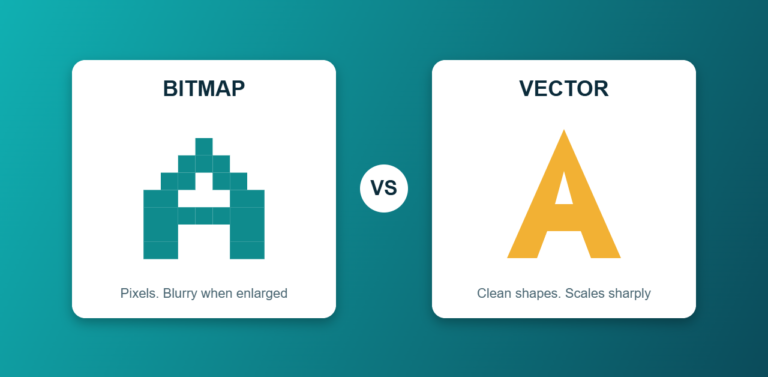
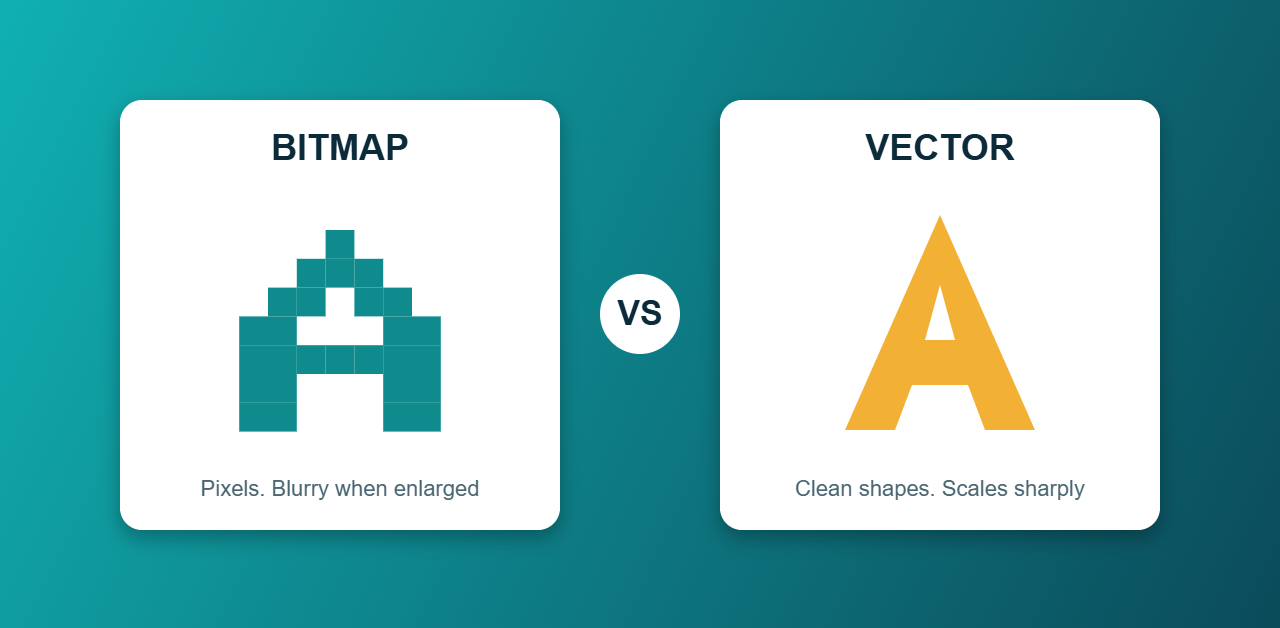
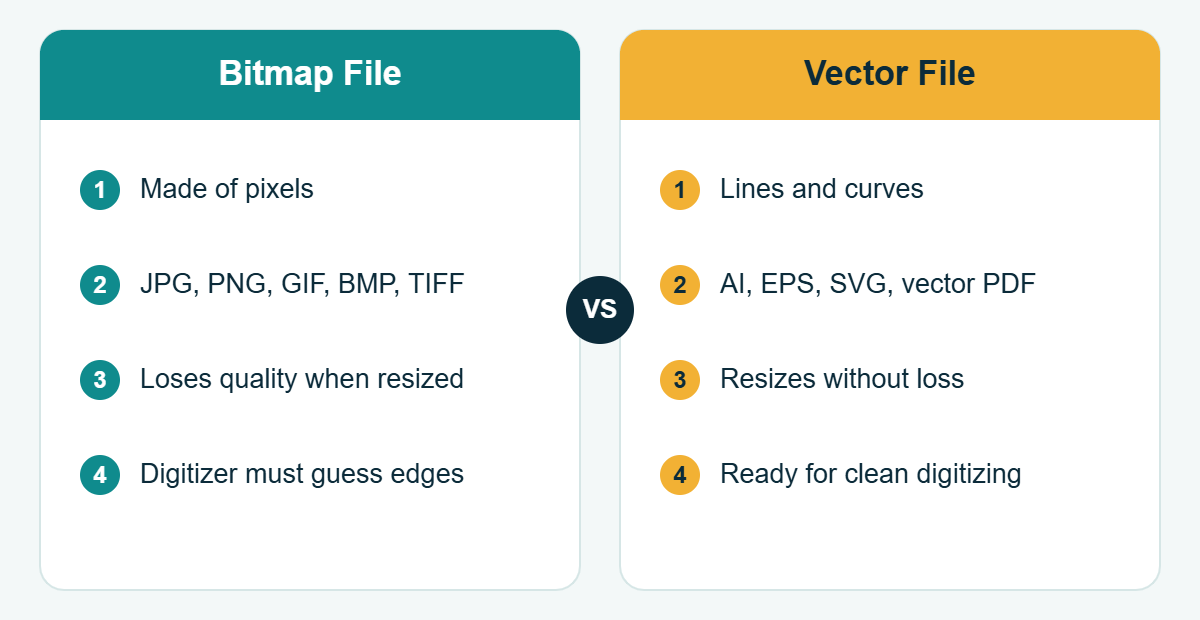
A bitmap is an image with a fixed resolution. It is made of many pixels that combine to form the picture. Bitmap formats include JPEG, PNG, GIF, BMP, TIFF, and PSD, and most images saved on your phone or computer are bitmaps. When you enlarge them, they lose quality, which is why they often need to be converted into a print-ready format.
Why Bitmap Files Cause Problems for Digitizing
Digitizing turns shapes into stitch paths. With a bitmap, the digitizer has to work out where each shape really starts and ends from a grid of pixels. These are the most common problems:
| Bitmap Problem | What Happens in the Stitch File |
|---|---|
| Low resolution (e.g., 72 DPI web images) | Curves become stepped; outlines stitch jagged |
| Anti-aliasing (soft, blended edges) | Software can’t find the real edge, so it guesses |
| JPG compression noise | Random specks get read as tiny shapes, adding trims |
| Letters close together | Pixels between letters merge, so text stitches as one blob |
| Too many colors or gradients | Extra color areas and color changes |
| Scans of business cards or letterheads | Added noise that needs cleanup first |
Our guide to JPG vs PNG clarity shows why the file type you start with affects how clean the final result looks.
What Makes a Bitmap Good Enough to Digitize
Not every bitmap is a lost cause. Wilcom’s guidance on bitmaps and artwork points to a few simple rules:
- PNG over JPG. PNG avoids the compression noise that JPG adds.
- 300 DPI, not 96 DPI. Higher resolution gives cleaner edges to trace.
- Transparent background. The shapes are easier to separate from the background.
- No anti-aliasing. Sharp edges are easier to read than blended ones.
- Shapes at least 1 sq mm. Anything smaller is hard to stitch.
Photos are the least effective input, because they have gradients and no clear shapes.
Can a Low-Resolution Logo Still Be Digitized?
Yes. You can choose vector art services in the USA, like Infinite Digitizing, to handle it. But it should not be auto-digitized as it is.
A skilled digitizer has two options:
- Redraw it as vector art first. The logo is redrawn with clean lines and solid colors, then digitized from the vector. This also gives you a clean logo file for print, signage, and the web.
- Digitize it manually. The low-resolution image is used only as a background guide, and the digitizer draws all the shapes and letters on top.
The Hooping Station walkthrough says the same: when possible, ask for vector art (AI, EPS, CDR, SVG). If the design is low resolution, import the graphic as a background and trace it instead of auto-digitizing.
If a logo is too small or pixelated to read, you may need to verify the font name, colors, or exact shapes with the digitizer. Small details may also need to be simplified to meet minimum stitch sizes.
How to Convert a Bitmap Image to Vector Art
For a logo that will be embroidered, printed, or scaled up, the safer choice is a manual redraw rather than a one-click auto trace. A vector art conversion service usually does the following:
- Scans the bitmap and identifies fonts, colors, and shapes.
- Redraws each shape with clean lines.
- Matches or resets the text.
- Sets solid colors, such as Pantone or thread matches.
- Sends files such as AI, EPS, SVG, and PDF.
Once you have vector art, the logo can go directly to digitizing. If you already have a JPG and need a stitch file, check out our guide on how to convert a JPG to a DST file. To see why vectors matter for custom designs, read why vector art is essential.
What to Send Your Digitizer
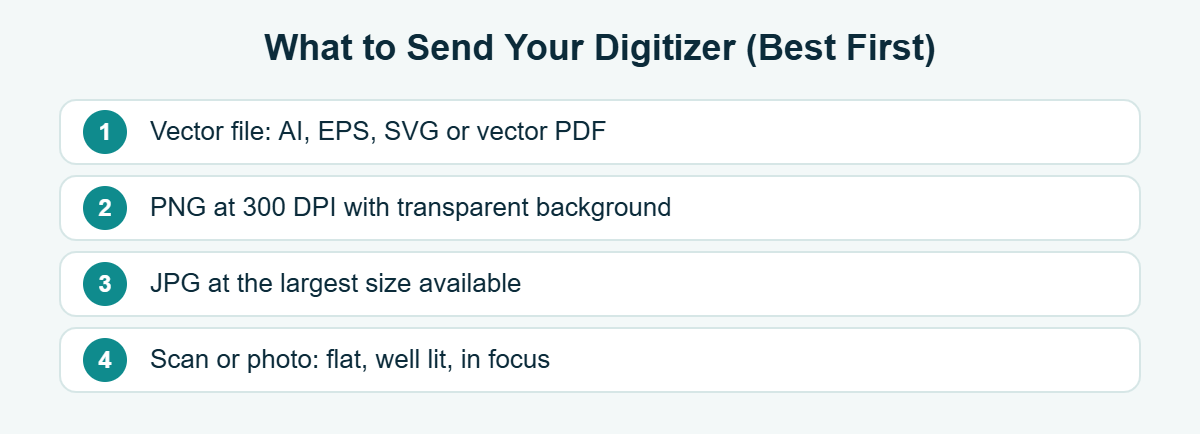
Send the best file you have, in this order:
- Vector file: AI, EPS, SVG or a vector PDF
- High-resolution PNG: 300 DPI, transparent background
- High-resolution JPG: largest size available
- A scan or photo: flat, well lit, in focus
Also include the finished embroidery size, the garment, thread colors, and any font names you know. The better the source, the cleaner the stitch file and the fewer revisions you’ll need.
Turn Your Bitmap Logo into Clean Vector Art
Infinite Digitizing redraws bitmaps and low-resolution logos into clean, scalable vector art files. We also digitize them for embroidery, so you get your print-ready art and your stitch file from one team.
Only have a blurry JPG?
Send it to us, and we’ll quote the redraw.
FAQs
1. What is a bitmap file?
A bitmap file is an image made up of a grid of colored pixels. Common bitmap formats are JPG, PNG, GIF, BMP, and TIFF. Resizing a bitmap degrades its quality.
2. Why are bitmap files a problem for embroidery digitizing?
Bitmaps store pixels, not shapes, and their edges tend to be fuzzy. Digitizing software has to guess where shapes end, so it makes jagged outlines, merged letters, extra trims, and jump stitches, especially on low-resolution images.
3. What is the difference between bitmap and vector files?
Bitmap files are made of pixels and lose quality when resized. Vector files are made of mathematical lines and curves, which can be resized to any size without losing quality. Vectors define clean shapes, so they work better for digitizing and logos.
4. Can a low-resolution logo still be digitized?
Typically, yes. A digitizer can redraw it as vector art first, or trace it by hand in the digitizing software. Don’t digitize it as-is, because the software will copy the blur and the pixel steps as stitches.
5. How do you convert a bitmap image to vector art?
The shapes, fonts, and colors are identified and redrawn with clean lines, then saved as AI, EPS, SVG, or PDF files. For logos that will be embroidered, a manual redraw by a digitizer is safer than an automatic trace.